Clevertouch by Boxlight Technology
Interactive Displays Built for Modern School Systems
Shared learning surfaces designed to support instructional flow, collaboration, and campus communication.

3 Display lines for every classroom, meeting room, and collaboration space | 5–7 yr Warranty coverage with no recurring license fees on bundled software | $0 Recurring license fees on bundled whiteboarding, screen sharing, signage, and management software | 55–86″ Size range to fit classrooms, conference rooms, and large learning spaces |
Why Schools Choose Clevertouch
Panels That Earn Daily Trust
Interactive displays only deliver value when teachers rely on them every day and IT teams can manage them at scale. Clevertouch panels are built to meet both standards — with responsive touch educators actually enjoy using, and centralized tools that keep deployments consistent across buildings.
 Instructional CoherenceBuilt-in whiteboarding, lesson capture, and standards-aligned tools give teachers a consistent workflow across every classroom. |  Support for Every LearnerAccessibility features and tools for English learners make lessons more reachable, so every student stays part of the conversation. |  Fast, Reliable PerformanceQuick startup, responsive multi-touch, and dependable uptime every school day. Teachers press power and start teaching. |
 Simplified IT ManagementCentralized device management, standardized mounts, and consistent firmware updates reduce the operational load on technology teams. |  Secure and Future-ReadyData privacy compliance, strong cybersecurity posture, and ongoing Android updates protect networks without adding IT overhead. |  Emergency-ReadyEveryday instructional technology that doubles as a campus safety asset — displaying alerts, evacuation maps, and notifications when seconds matter. |
The Lineup
Find the Right Panel for Your Environment
Three display lines serve different environments and budgets. Each shares the same management tools, software suite, and warranty coverage — so IT teams maintain consistency even when classrooms need different hardware.
.webp) | Essential Clevertouch Pro SeriesGoogle EDLA-certified with fluid 4K touch, built-in audio, NFC login, and native access to Google Workspace and Microsoft 365. Delivers the fundamentals every classroom needs — without unnecessary complexity. |
Premium Clevertouch FocusClevertouch FOCUS fully supports Google EDLA, yet goes further with the Boxlight Harmony experience - designed for teachers, not tablets. With Symphony visuals built-in, it also works for campus communication out of the box. | 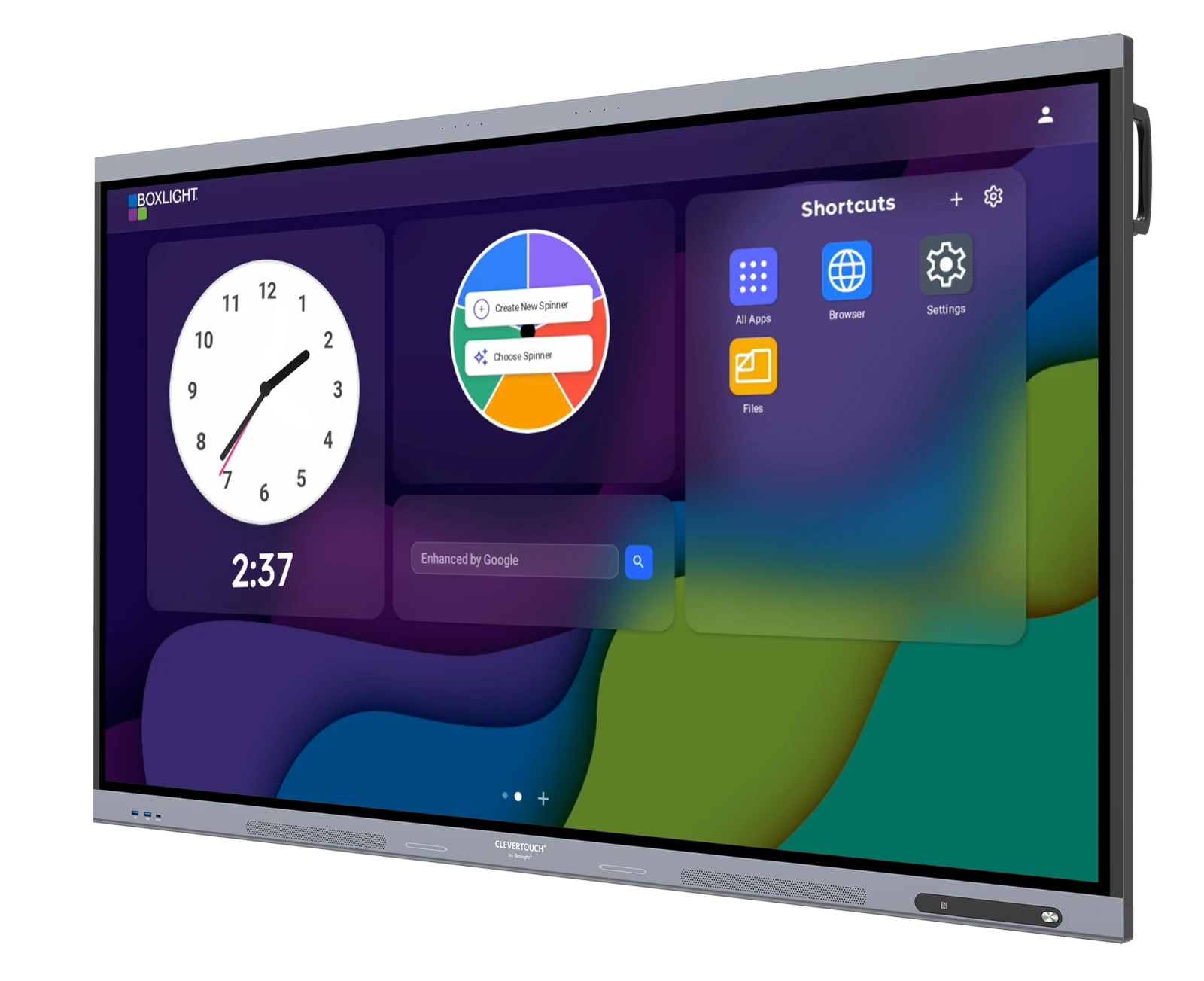 |
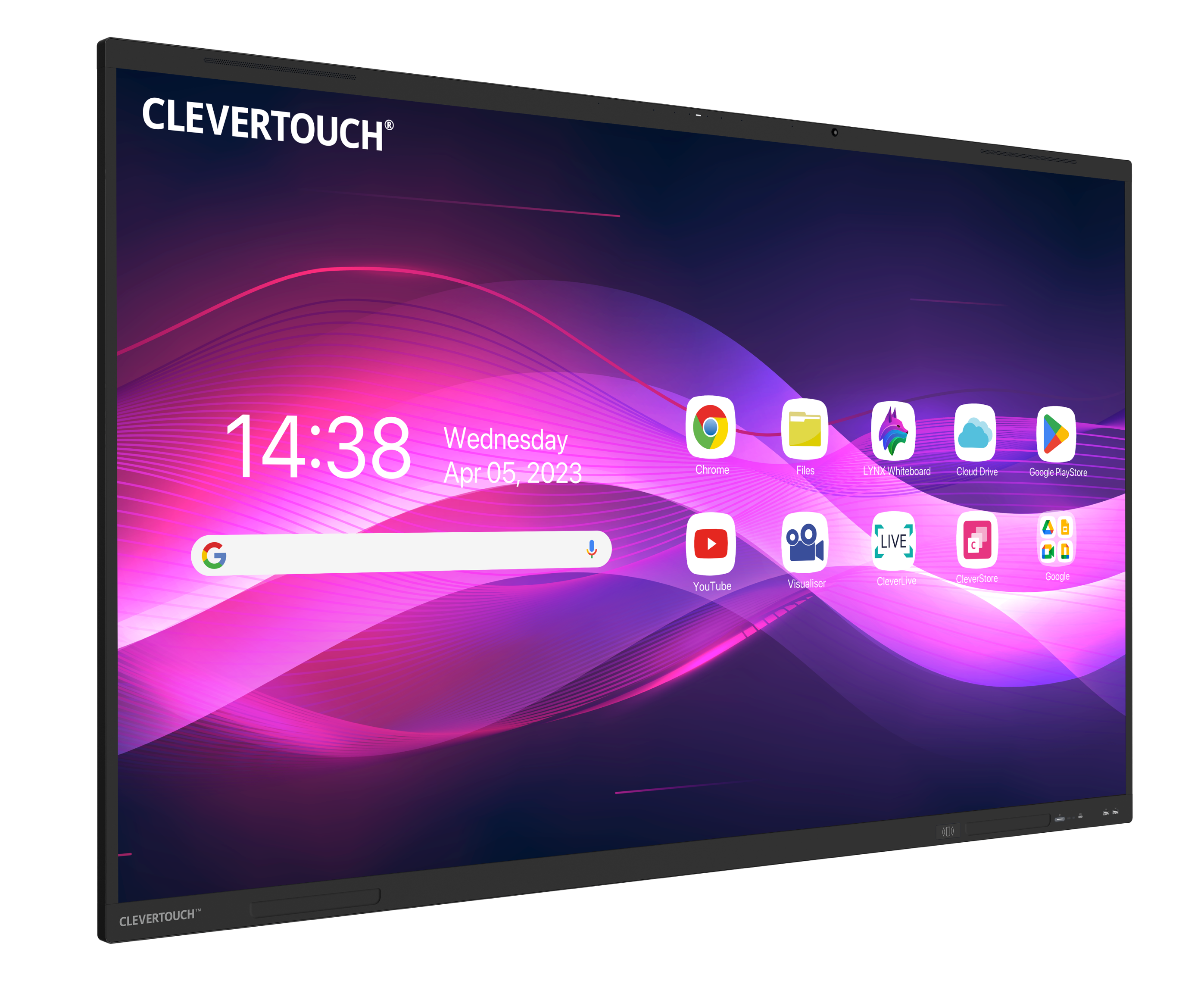 | Advanced Clevertouch IMPACT Lux 2The most advanced hardware in the lineup. Ultra-responsive touch, superior built-in audio, Android 15, and Google EDLA certification combine to support high-engagement learning environments where performance cannot compromise. |
Flagship Clevertouch EdgeFlatFrog InGlass™ edge-to-edge touch, dual-OS flexibility, quick-launch hotkeys, integrated 4K tracking camera, and NFC profiles. Designed for enterprise collaboration and advanced K–12 environments where writing performance and multi-user interaction are critical. | 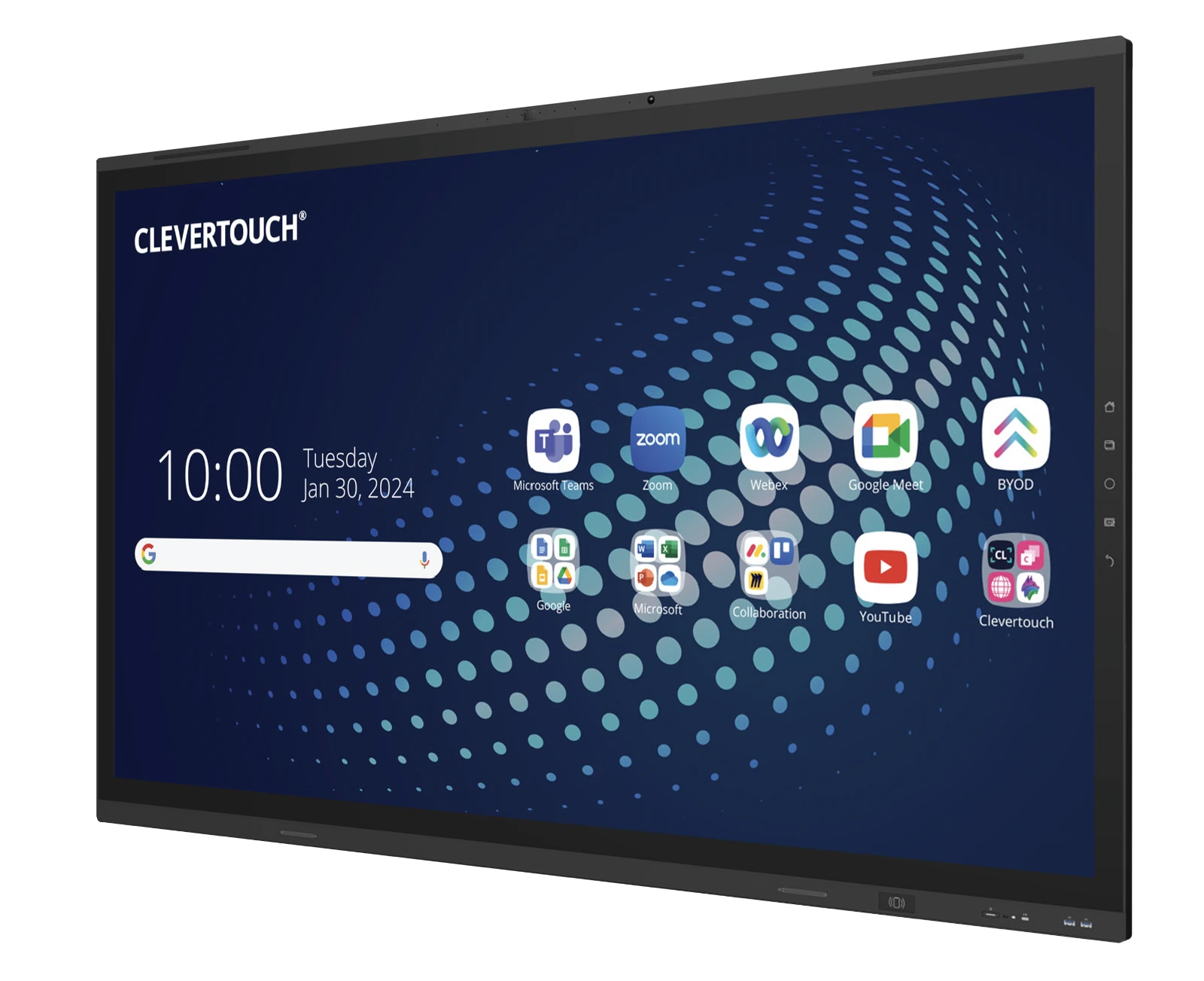 |
Buying Guide Not Sure Which Panel Fits?The Interactive Flat Panel Buying Guide walks through key evaluation criteria, must-ask questions, and sizing considerations so your team can select the right display with confidence. | Read the Guide |
Instruction + IT Technology the Entire Staff AppreciatesClevertouch panels support refresh cycle planning, scalable deployments, and centralized management. Educators get a consistent classroom experience. Technology teams get a fleet they can actually maintain.
|  |
Included Software
Every Display Ships Ready to Teach
No recurring license fees. No bolt-on purchases for basic functionality. Every Clevertouch panel includes the software teachers and IT teams need on day one.
LYNX WhiteboardInteractive whiteboarding with templates, pen tools, and lesson capture. Teachers create, annotate, and save lessons directly on the display. | CleverShareWireless screen sharing from student Chromebooks, tablets, and laptops. Supports multi-device mirroring for collaborative classwork. |
CleverLiveDigital signage that turns idle displays into information boards — daily schedules, announcements, and safety alerts across the building. | CleverMDMCentralized device management for IT teams. Push firmware updates, enforce security policies, and monitor display health across every campus. |
Campus Safety
Part of a Safer, More Connected CampusInteractive displays do more than support instruction. Connected to the ATTENTION! campus communication ecosystem, they display emergency alerts, evacuation procedures, and safety notifications across every classroom simultaneously. The same panels that deliver lessons during the day become safety assets when seconds count — without requiring separate hardware or wiring. |  |
Legacy Mimio & Boxlight Display Owners
Boxlight has consolidated its display portfolio under the Clevertouch brand. Full support continues for all legacy Mimio and Boxlight panel owners. If you're considering an upgrade or need service information, our team can help you plan the transition.
Funding Opportunity
Need Help Securing Funding?
The Boxlight Grants Assistance Program provides free, personalized support to help districts identify, plan, and apply for federal and state funding — including E-Rate, Title IV-A, COPS SVPP, and Alyssa's Law programs.
Connect with a Specialist
Choosing the right display technology is about aligning with your district's challenges, goals, and budget. Our team can help you evaluate options, plan deployments, and build a case for funding.
Frequently Asked Questions
What is an interactive display?
An interactive display is a large touchscreen panel that combines a digital whiteboard, built-in computer, and presentation display in a single device. Teachers and presenters write, annotate, share screens, and collaborate in real time using touch, stylus, or wireless screen sharing from student devices.
What sizes do Clevertouch interactive displays come in?
Clevertouch panels are available in 55″, 65″, 75″, and 86″ sizes. Most K–12 classrooms use the 65″ or 75″ models, while larger learning spaces and lecture halls typically require the 86″ option. Size selection depends on viewing distance, room dimensions, and intended use.
Do interactive displays require a separate computer?
No. Clevertouch displays include a built-in Android operating system that runs whiteboarding, screen sharing, and Google Workspace apps without external hardware. Teachers can also connect laptops, Chromebooks, or Windows devices to run additional software when needed.
Are Clevertouch displays compatible with Google Classroom and Microsoft 365?
Yes. All current Clevertouch models are Google EDLA-certified, providing native access to Google Play, Google Classroom, Google Drive, and the full Google Workspace suite. Microsoft 365 tools including Teams, Word, and PowerPoint are also supported.
What software is included with Clevertouch displays?
Every panel ships with LYNX Whiteboard for interactive lessons, CleverShare for wireless screen sharing, CleverLive for digital signage, and Boxlight MDM for centralized device management. There are no recurring license fees for these tools.
How do Clevertouch displays support school safety?
Clevertouch panels connect to the ATTENTION! campus communication ecosystem. During an emergency, displays show visual alerts, evacuation maps, and safety instructions across every classroom simultaneously. CleverLive also supports daily scheduled announcements and digital signage throughout the building.
Are interactive displays better than projectors?
Interactive displays provide brighter images in ambient light, direct touch interaction, and significantly lower maintenance than projector-based systems. LED panels eliminate lamp replacements, and most displays last 50,000 to 70,000 hours — typically exceeding the useful life of any classroom projector.
What warranty comes with Clevertouch interactive displays?
All Clevertouch panels include a 5-year comprehensive warranty, extendable to 7 years. Coverage includes hardware defects and provides long-term assurance for districts making multi-year technology investments.
Related Resources
Buying Guide Interactive Flat Panel Buying Guide for SchoolsEvaluation criteria, must-ask questions, and sizing guidance. | Comparison Guide Compare Clevertouch Interactive DisplaysSide-by-side specs and features across the Pro Series, IMPACT Lux 2, and Edge. | Foundations Instructional Visibility & Shared Learning SurfacesThe role of shared displays in instructional coherence and student engagement. |